

Garage management software vs a paper diary, which is better for your workshop?
When a paper diary is enough for a small garage, where it starts to cost time, and how a two-ramp workshop might run its week on garage management software.
In this post
A paper diary can be enough for a small workshop. But when bookings, job cards, reminders and costs need to stay in step, garage management software can take away repeated admin.
The right choice depends on how your garage runs day to day. If you handle a handful of jobs and keep every detail in your head, a paper diary may still suit you. If you need to coordinate two ramps, keep customers coming back and track work without re-entering the same information, a digital workshop booking system is worth considering.
Here is what each option does well, where the gaps appear, and how a two-ramp workshop might use software through a typical week.
Where a paper diary still works
A paper diary is simple. It does not need a subscription, a device or training. You can pick it up, write in a booking and see the week at a glance. It is also available if your internet connection goes down.
For a one-person garage with a manageable number of repeat customers, that may be all you need. You know how long your jobs take, customers call you directly, and you can keep track of changes yourself.
The limits tend to show as the workload grows. A booking can be changed in one place but not another. A job card may be hard to find when the customer calls. A note to send an MOT reminder can be missed during a busy week. None of these problems is inevitable, but paper relies on someone remembering each next step.
What changes with garage management software?
Garage management software brings bookings, ramp planning, job cards and customer records into one system. Instead of updating several separate notes, you record the job once and use that information as the work moves through the workshop.
A digital diary can also show different types of capacity separately. For example, a free service ramp does not necessarily mean the MOT ramp is free. Keeping those queues distinct helps you avoid offering a time that does not fit the work booked.
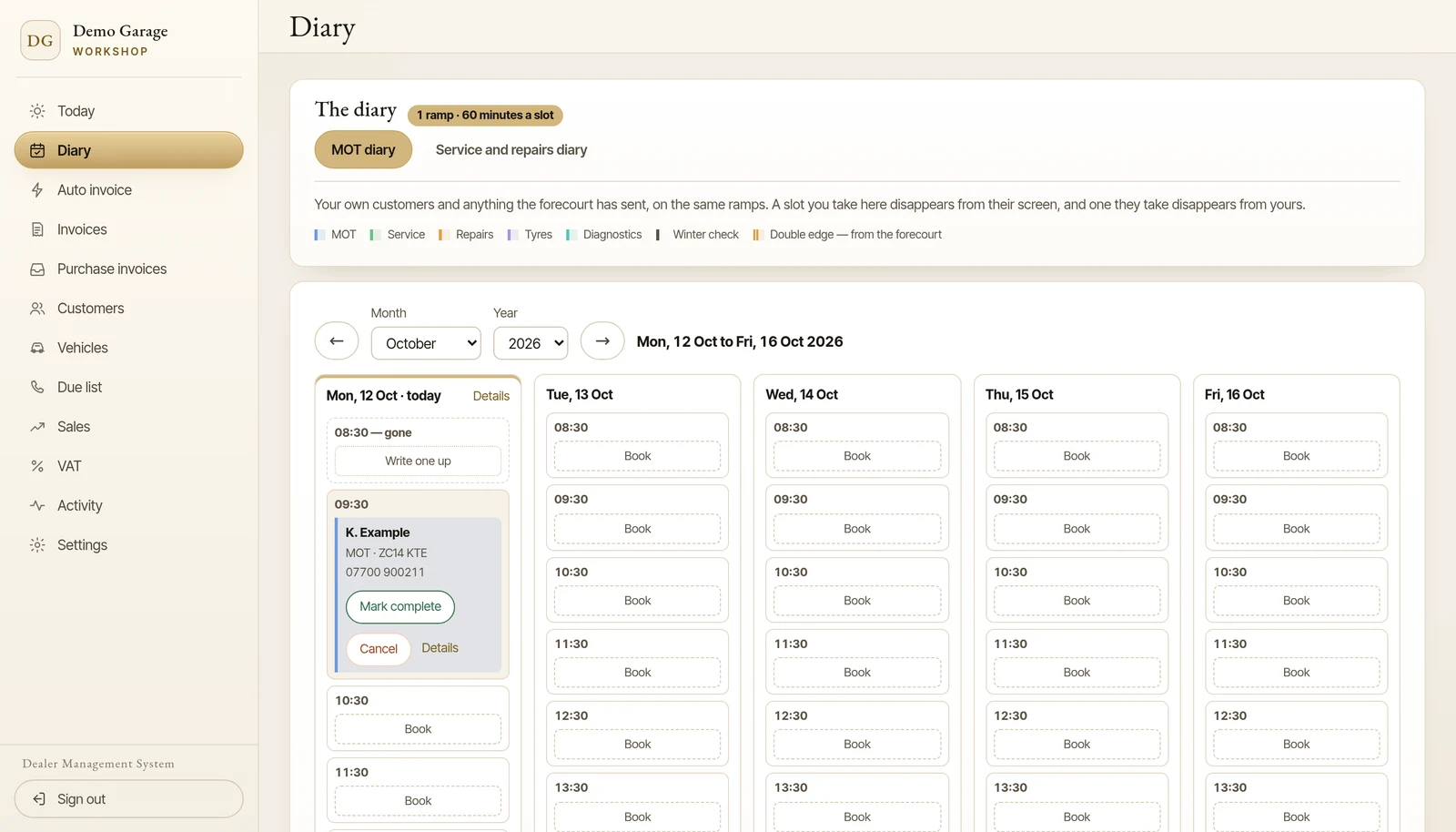
Online booking can make a difference, too. A customer can request an available appointment through your garage’s booking website, and the booking can go straight into the diary. That gives people a way to get in touch outside your phone hours. You still control the work, the schedule and what appointment times are offered.
The job card then keeps the vehicle and job details together. Staff can refer to the same record rather than relying on handwriting or re-entering the registration, customer details and work required.
A two-ramp week: a simple example
Imagine a workshop with one MOT ramp and one service and repair ramp.
- Monday: The team reviews the week’s bookings. MOTs are in one queue and servicing and repair work in another. A customer books online for Thursday; the appointment appears in the diary without waiting for someone to copy it from a message.
- Tuesday: A vehicle arrives for investigation. The technician’s findings and recommended work are recorded on its job card, where the service adviser can read them before ringing the customer.
- Wednesday: A supplier invoice arrives with parts for a repair. Its line items, VAT and costs go onto a purchase form, and a person checks them against the invoice and saves them.
- Thursday: The MOT and service bookings are visible in their respective queues. If work takes longer than expected, the team can see which later appointments may need attention and contact those customers.
- Friday: Completed jobs are ready to invoice from the information already recorded. If the garage is paired with a dealer’s forecourt system, repair costs invoiced to the forecourt can also land on the vehicle’s stock record.
That sequence is the practical difference. The diary helps you remember when work is due. A connected system can carry information from the booking through to the job, invoice and, where set up, the vehicle’s cost record.
Reminders and supplier invoices
A paper diary can hold MOT and service due dates, but someone has to check those dates and contact customers. Software can help identify customers due for a reminder and prepare reminder letters, reducing the need to work through old records manually.
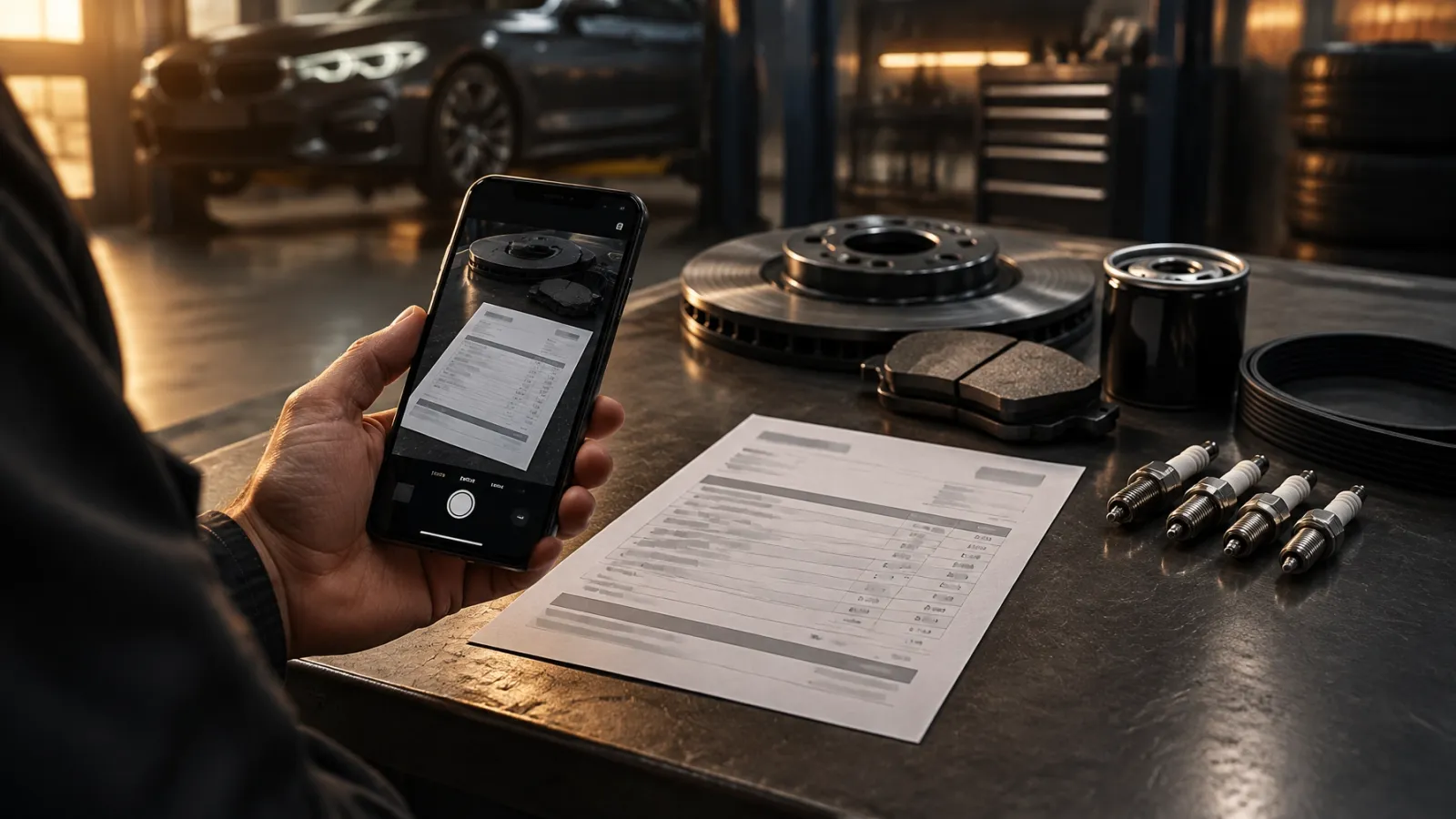
Supplier invoices are another source of repeated admin. With paper, someone may have to read each line and enter the parts, VAT and costs elsewhere. OCR, software that reads text from an image, can make that data entry quicker by filling in a purchase form from a photograph. You should still review the result before saving, particularly the line items, VAT and total.
Where the costs show up
A paper diary has little direct cost. The more useful comparison is the work around it: time spent copying bookings, searching for job notes, chasing reminders or entering supplier costs more than once. Those tasks may be manageable at low volume, but they still take time away from customers and workshop work.
Software has a monthly cost and takes time to set up. Staff need to learn the process, and the system depends on devices and access to the service. Before choosing one, check what is included: online booking, job cards, reminder tools, invoice capture, support and data export may vary between providers.
Suppose the team spends 10 minutes copying each of 12 bookings a week between messages and a diary. That is two hours a week. If bookings enter the digital diary directly, some of that copying can be avoided. The actual time saved depends on how many bookings arrive this way and how your team handles them. Set that against the software’s monthly fee and the time it takes to set up.
When should you stay with paper?
A paper diary may remain the sensible choice if you have low booking volume, one person manages the schedule, and you do not need online bookings or searchable job histories. It is familiar, low-cost and easy to use.
Consider a workshop booking system if you regularly coordinate more than one ramp, need customers to book when the phone is unattended, or want job cards, reminders and costs to stay connected.
You can also switch in stages. Start with the diary and bookings, then introduce job cards and invoicing. Add reminders and supplier invoice capture once the team is comfortable. Keep a paper fallback for an outage if that helps, but avoid keeping two full systems permanently: maintaining both can bring back the duplicate work you were trying to remove.
A practical next step
Barton’s Bespoke offers an integrated workshop module as an add-on or as a standalone option. It includes a customer-facing booking website, ramp diary, job cards, and MOT and service reminder tools. When paired with a forecourt, workshop costs invoiced to that forecourt land on the car’s line in its stock book.
You can read more about the garage management software or open the workshop demonstration. The demonstration uses invented customer, vehicle, booking and invoice details; it is there to show the workflow, not live garage data.
The pictures in this guide are illustrations, except where a caption says otherwise.