

Car dealership management software vs spreadsheets, which is better for your forecourt?
What a spreadsheet does well for a small forecourt, where it starts to cost time, and when car dealership management software is the better fit.
In this post
A spreadsheet can be a sensible way to track a small number of cars. But when the same details also need to appear in adverts, invoices, the stock book and your diary, keeping everything in step takes time and care.
Here is what spreadsheets do well, where they can become harder to manage, and when car dealership management software may be a better fit.
What can a spreadsheet do?
A well-built spreadsheet can record registrations, purchase prices, preparation costs, sale prices and stock status. It can sort and filter vehicles, calculate figures using formulas and give you a basic view of the forecourt.
For a one- or two-person business with a few cars, limited portal activity and one person maintaining the records, that may be enough. Spreadsheets are familiar, flexible and often already available.
The limitation is not that a spreadsheet cannot hold the information. It is that it will not normally carry out the connected work for you. You may still need to enter the same vehicle details into portal listings, invoices, a VAT margin scheme stock book and a separate diary. Each copy needs to be updated when the price changes or the car sells.
As the number of cars, users and tasks increases, checking that every version is correct can take more effort than the original data entry.
The difference is in the workflow
A dealer management system (DMS) brings several forecourt tasks together around a vehicle record. Depending on the system and its integrations, that record may connect stock control, advertising, sales paperwork and customer appointments.
A typical process might look like this:
- Add the car using its registration and check the details.
- Record the purchase information and preparation costs.
- Review and publish the advert to the channels you use.
- Update the record when the price or availability changes.
- Raise the sale invoice and complete the stock book entry.
The practical advantage is entering and checking the same information fewer times.
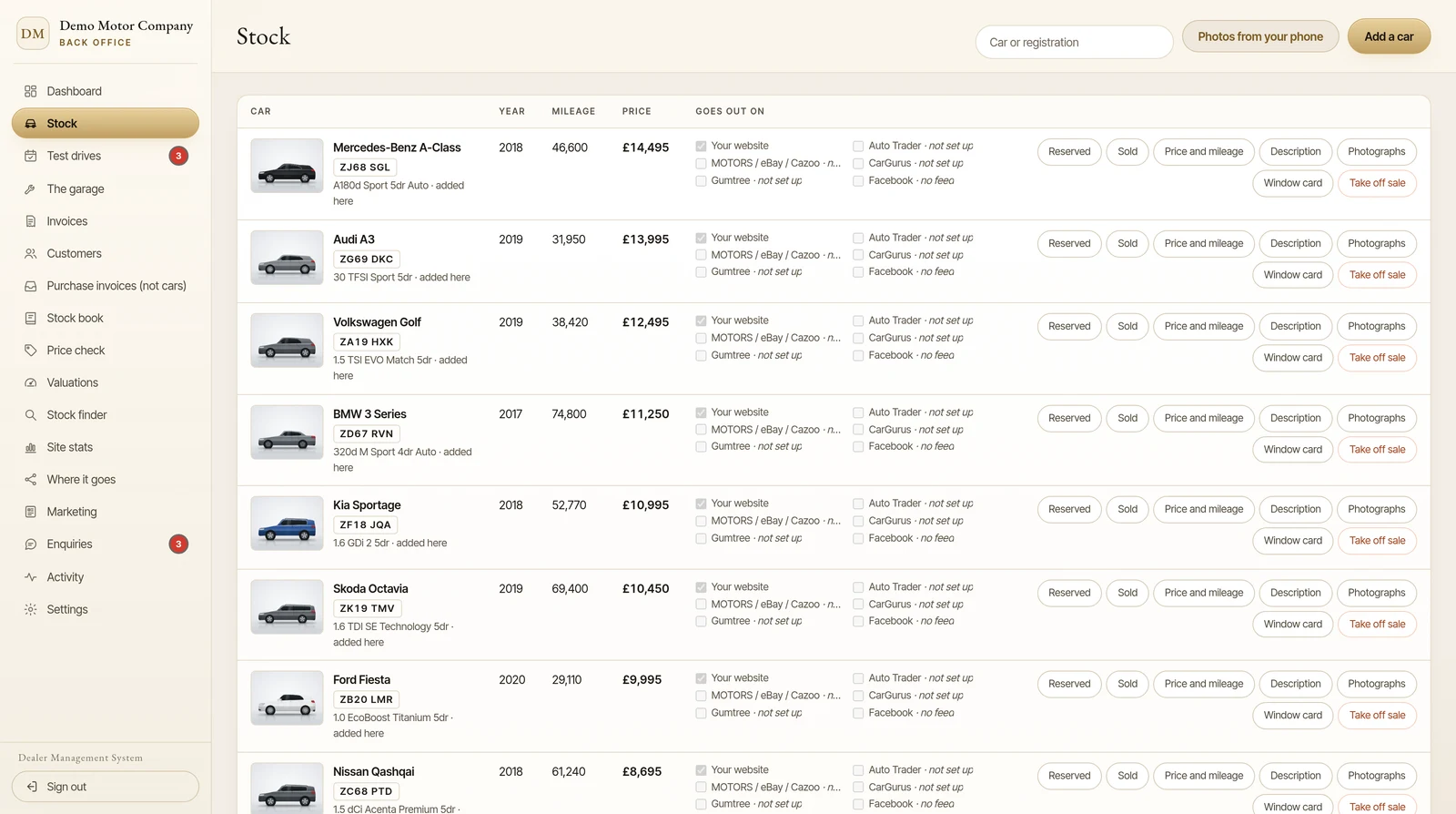
Stock control and portal feeds
With a spreadsheet, you can keep a stock list, but publishing and updating adverts is often a separate job. If a car’s mileage, price or availability changes, someone needs to update each relevant listing. If it sells, the adverts need to come down promptly.
A DMS may connect the stock record to portal feeds, so selected details can be sent to supported marketplaces. The exact portals, feed arrangements and update process vary by provider. Check the details carefully: for example, Barton’s Bespoke provides feeds for MOTORS, CarGurus and Gumtree, and Auto Trader works through your own Auto Trader account, once Auto Trader has approved the connection.
A connected feed can reduce repeated entry, but it does not mean you should stop checking your adverts. Ask how often changes are sent, how feed errors are reported and what happens when you mark a vehicle sold.
Invoices and the VAT margin scheme
The VAT margin scheme deserves particular attention. HMRC requires dealers using it to keep normal VAT records, a stock book that tracks each eligible vehicle individually, and copies of purchase and sales invoices. The stock book records information such as purchase and sale dates, prices, invoice numbers, buyer or seller details, the margin and VAT due. See the current HMRC guidance on using the VAT margin scheme for second-hand vehicles and its record-keeping requirements.
A spreadsheet can store these fields and calculate figures. But a formula is only as reliable as its inputs, and it will not necessarily check that an invoice and stock book entry match. A DMS can link an invoice to the vehicle record and use the sale details to prepare the corresponding stock book information. You still need to check that the vehicle is eligible for the scheme and that the records and invoices are correct.
For a simple illustration, if an eligible car is bought for £6,000 and sold for £7,200, the gross margin is £1,200. Under the scheme, the VAT calculation is one-sixth of that margin: £200. This is not the same as your overall profit. HMRC explains that costs such as repairs and refurbishment are not added to the purchase price when calculating the scheme margin. Speak to your accountant about your circumstances.
Barton’s Bespoke’s invoicing and stock book tools connect the sale invoice to the sold part of the stock book record. That reduces duplicate entry, while leaving you responsible for checking the deal details before issuing paperwork.
Diary, tasks and everyday follow-up
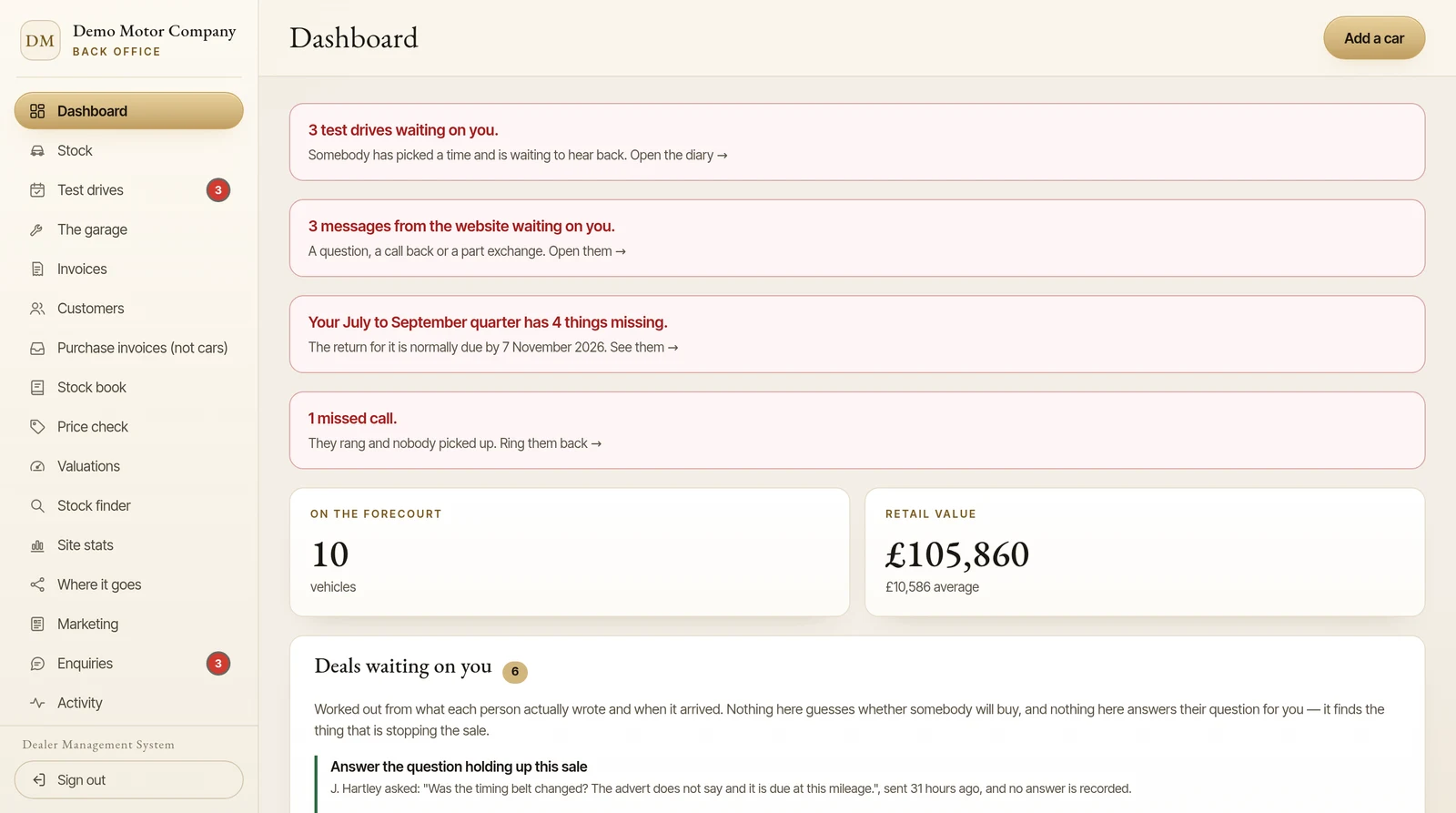
A spreadsheet can include appointments and reminders, but it may sit apart from your customer enquiries and vehicle records. That makes it easier for a booking, follow-up or handover task to be missed when the day gets busy.
In a DMS, a test drive booking or enquiry may be recorded alongside the relevant vehicle and shown in a shared diary. Look for features that suit how your team works: who can see appointments, how new enquiries are flagged, and what happens if more than one person needs to follow up.
For a small forecourt, a shared calendar might already do the job.
A simple comparison
| Day-to-day need | Spreadsheet | Dealer management system |
|---|---|---|
| Record stock details | Flexible and straightforward | A central vehicle record, often with lookup support |
| Update multiple adverts | Usually a separate manual task | Feeds may send selected details to supported portals |
| Track VAT margin scheme records | Possible, but relies on accurate entry and formulas | Can link sale paperwork to stock book records |
| Manage appointments and tasks | Can be added, often separately | May connect diary items to vehicles and enquiries |
| More than one user | Possible, but version control can be awkward | Shared access and permissions may be available |
| Set-up and cost | Often low if you already have spreadsheet software | Monthly or other fees; features and terms vary |
When is it time to move on?
There is no single car-count threshold. A dealer with 10 cars and several portals may have more repetitive admin than a dealer with 25 cars and a simple sales process.
Consider a DMS if you regularly:
- enter the same vehicle information in several places;
- advertise across multiple portals and need to keep listings in sync;
- maintain margin scheme invoices and stock book records by hand;
- share appointments or follow-up between team members; or
- spend time checking which cars are still available, advertised or waiting for paperwork.
If you have a small, stable stock list and your current system is accurate, a spreadsheet may remain a reasonable choice. You can also use one as a temporary tool while you compare software.
What to look for when choosing
Before choosing motor trade software or a DMS for car dealerships, ask the provider to show you a real workflow, not just a list of features.
- Follow a vehicle from purchase to sale. See how the system records the car, updates its status, prepares an invoice and handles the stock book entry.
- Check your actual portals. Confirm which feeds are included, which need separate approval or accounts, and how failed updates are flagged.
- Ask about VAT records. Check which fields appear in the stock book and invoices, how data is exported, and what review remains your responsibility.
- Test the diary and team access. Make sure the right people can see appointments and follow-ups without unnecessary steps.
- Check the full cost and terms. Ask about set-up charges, monthly fees, optional services, minimum terms, support and how you can export your data.
The Barton’s Bespoke dealer management system is built around a single-entry workflow: enter a vehicle’s registration once, then use that record for connected stock, website, portal, invoice and stock book tasks. Details and availability depend on the service and the relevant portal connections.
The simple test: if a change to one car means updating several separate records, check whether one connected system would make that work easier. You can see the available plans or request a walkthrough without needing to decide that a spreadsheet is no longer right for your business.
The pictures in this guide are illustrations, except where a caption says otherwise.